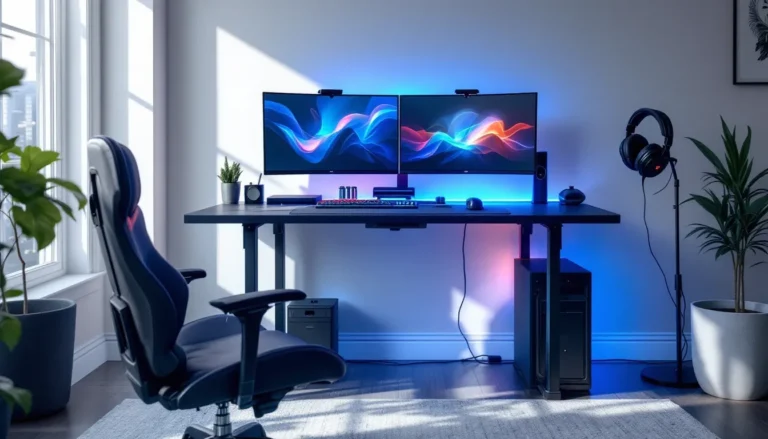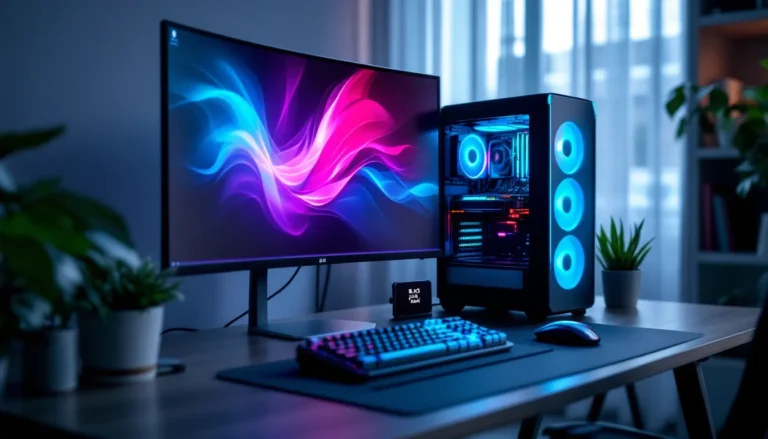



When we think of gaming today, images of high-end graphics and immersive experiences flash through our minds. But what if we told you that you can join the world of gaming without draining your wallet? Yes, it’s possible. Building a gaming PC under $500 might sound like a dream, but with the right knowledge and components, we can whip together a rig that’s both powerful and budget-friendly. Get ready to dive deep into the essentials of crafting your next gaming machine without very costly.
Gaming PC 500 Dollars
Before we rush into selecting parts, let’s pause for a moment to evaluate what we truly need. Understanding our gaming preferences is vital. Are we casual gamers or competitive ones? Do we indulge in the latest AAA titles or stick to indie gems? Each gaming style demands different hardware capabilities. For instance, a casual gamer might find satisfaction with a less powerful GPU while someone eyeing competitive esports will require faster processing and better graphics.
We also need to consider our preferred resolution and frame rates. If playing at 1080p with decent frame rates is our goal, we can tailor our build accordingly, leaving us with some cash left for those gaming snacks. In this section, let’s pinpoint our exact requirements so we can make informed decisions later.
Key Components of a Budget Gaming PC
Let’s break down the essential components that make up our budget gaming PC. This will help us understand where we can save some bucks and where to invest wisely.
- CPU (Processor): The heart of our gaming PC. A decent CPU is crucial for both gaming and multitasking. Look for options like AMD Ryzen 3 or Intel’s i3 series: these provide good performance without stretching our budget.
- GPU (Graphics Card): When it comes to gaming, the GPU is often the star of the show. A budget-friendly option like the GTX 1650 or even the RX 570 can deliver great performance in 1080p gaming without costing a fortune.
- RAM: We recommend a minimum of 8GB for adequate performance in most games today. This amount strikes a balance between capacity and price.
- Storage: An SSD can vastly improve load times and overall performance. A 240GB SSD should be our go-to for operating system and a couple of games, supplemented by a larger HDD for additional storage.
- Motherboard: We’ll need a compatible motherboard for our CPU. Aim for something basic yet supporting future upgrades.
- Power Supply: Never skimp on power needs. A reliable 500W PSU from a trusted brand will ensure our parts get proper juice.
- Case: Don’t forget about aesthetics. A decent case provides cooling and can look stylish on our gaming desk.
Best Gaming PC Builds for $500
Now that we know the components we need, let’s explore some fantastic builds we can put together for around $500. Here are two options that balance performance and savings:
Build 1: Entry-Level Gaming Rig
- CPU: AMD Ryzen 3 3200G
- GPU: Integrated Vega 8 (will suffice for light gaming)
- RAM: 8GB DDR4
- Storage: 240GB SSD + 1TB HDD
- Motherboard: ASRock B450M
- Power Supply: EVGA 500W
- Case: Thermaltake V200
Build 2: Solid Mid-Range System
- CPU: Intel Core i3-10100
- GPU: GTX 1650
- RAM: 8GB DDR4
- Storage: 240GB SSD
- Motherboard: MSI B460M
- Power Supply: Corsair CX450
- Case: Cooler Master Q300L
Both of these builds provide excellent entry points into the gaming realm, varying from casual play to a bit more demanding games. Each part is well-suited for our budget.
Where to Buy Budget Gaming Parts
Now that we have a solid plan, let’s discuss where to snag these components without further denting our wallets. Online marketplaces like Amazon, Newegg, and Micro Center are fantastic places to start. They often have sales that allow us to grab parts at a lower price.
Another option is to check out local classifieds or even eBay. Sometimes folks sell great components for a fraction of the original price. Just make sure to check for warranties or return policies to avoid buying a lemon. Remember, patience is key: waiting for the right deal can lead to incredible savings.
Tips for Optimizing Your Budget PC
Now that we’ve built our rig, optimizing it to run at its best is next. Here are some tips to ensure our budget gaming PC operates smoothly:
- Overclocking: If you’re comfortable with it, overclocking your CPU or GPU can give us that extra performance boost.
- Regular Maintenance: Dust can be a nemesis. Regularly cleaning our rig ensures it doesn’t overheat and runs efficiently.
- Software Optimization: Keep our operating system and drivers up-to-date for optimal performance. Uninstalling unnecessary software can also free up resources.
- Game Settings: Adjust in-game graphics settings for a smoother experience, especially on more demanding games.