

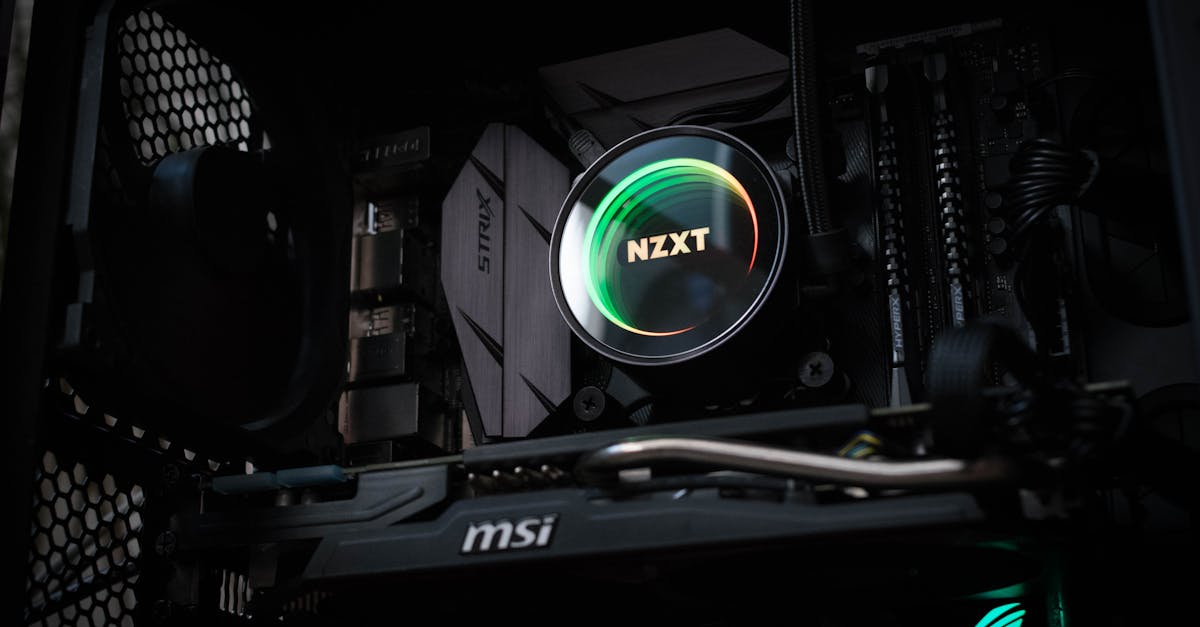
We’ve all been there – buffering during a critical moment in our favorite game can feel like a knife to the heart. Who wants lag when you’re about to score a game-winning goal or defeat the final boss? Enter PC optimization for gaming. It’s like giving your rig a powerful espresso shot. Let’s explore how we can turn our beloved machines into smooth, seamless gaming machines, while keeping things light and engaging.
PC Optimization For Gaming
PC optimization isn’t just a buzzword tossed around in forums. It’s a series of tweaks and improvements that make our machines run better, faster, and smoother. Think of it like fine-tuning an engine: it can lead to better performance, quicker load times, and, most importantly, an elevated gaming experience. When we optimize, we’re essentially streamlining the processes that allow our games to perform at their best. From closing background applications to managing system resources properly, it’s about getting the most out of what we’ve got.
Importance of Optimizing Your PC for Gaming
Imagine booting up your game and it runs like a dream. Sounds fantastic, right? That’s where optimization swoops in, saving us from the frustration of dropped frames and slow load times. When we optimize our PCs, we significantly enhance our gaming experiences. Less lag means better responses to our commands, allowing us to climb the leaderboards and show off to our buddies.
Also, optimizing our systems can also extend hardware life. By managing temperatures and performance, we can avoid wear and tear, ensuring our rigs stay top-notch for years to come. Plus, who wouldn’t want to impress friends with a machine that just breezes through the latest releases?
Essential Steps to Optimize Your PC
- Keep it Clean: Just like we tidy our gaming space, our PCs benefit from regular cleaning. Dust can clog fans and heat sinks, leading to overheating. A gentle brush or compressed air can work wonders.
- Uninstall Unnecessary Programs: Let’s be honest: we don’t need that old photo editing software taking up space. Uninstalling what we don’t use frees up valuable resources.
- Defragment the Hard Drive: If we’re still running on HDD, defragmenting can help speed up file retrieval. It organizes data, allowing our games to load faster.
- Update Drivers: Drivers are crucial. Outdated drivers can lead to performance issues. Keeping them updated ensures that we’re getting the most out of our hardware.
- Adjust Graphic Settings: Sometimes, turning down certain graphics settings can really boost performance without sacrificing visuals too much. It’s all about balance.
Software Tools for Optimization
We live in a digital age where great tools can work wonders for our systems. Here are some handy software options for optimization:
- CCleaner: A fantastic tool for cleaning up unnecessary files and optimizing startup programs.
- MSI Afterburner: Perfect for those of us who want to overclock our GPUs safely.
- Razer Cortex: This game optimizer boosts FPS while shutting down unnecessary background processes, ideal for enhancing performance during gameplay.
- Windows Game Mode: Built right into Windows 10, this feature can help prioritize gaming processes, leaving us with smoother experiences.
Common Mistakes to Avoid
While we’re on the quest for optimization, it’s easy to trip ourselves up. Here are some common mistakes to avoid:
- Over-Optimization: Sometimes, less is more. We don’t want to mess with system files unnecessarily, as that can lead to instability.
- Ignoring Updates: Missing out on operating system or driver updates can be a real setback. Keeping everything current ensures our systems run efficiently.
- Neglecting Backup: Before we start tinkering, don’t forget to back up our files. It’s no fun losing important data due to a small misstep.
Testing Your PC’s Performance
Once we’ve made our optimizations, it’s time to see the fruits of our labor. Running benchmark tests gives us a clear picture of how our changes have impacted performance. Tools like 3DMark and Geekbench allow us to compare against others and see improvement over previous scores. Plus, they let us gauge loading times, frame rates, and overall performance hacks that worked wonders. We might even have a little fun engaging with the community, sharing our results, and finding new ways to keep getting better.